Information and Communications Technology Practice English – Set 3
Basic Computer Applications and MS Office: A Comprehensive Guide
In today’s digital age, whether you are a student, an employee, or an entrepreneur, having an understanding of Basic Computer Applications is mandatory. Specifically, in competitive exams conducted in both government and private sectors, crucial questions are being asked from the ICT (Information and Communication Technology) and MS Office sections. In this article, we will learn in detail about the various versions of MS Office, their uses, and computer applications.
1. What is MS Office? (Introduction to MS Office)
Microsoft Office is a ‘software suite.’ It contains different applications for creating documents, performing calculations, and preparing presentations.
- MS Office 2019 Professional: This is a version installed directly on the computer to be used without needing the internet. It includes applications like Word, Excel, PowerPoint, Outlook, and Access.
- MS Office Online: This is a version used directly through a browser without installing the software. It is available for free.
2. MS Office 365 and Business Versions
For the needs of business organizations, Microsoft introduced the cloud-computing-based ‘Office 365.’ Because of this, data remains secure on remote servers.
- MS Office 365 Business Basic: This is suitable for small businesses. It provides only cloud storage and online versions.
- MS Office 365 Business Standard & Premium: These are designed for large organizations and include enhanced security features.
- MS Office 365 Enterprise: Massive companies with thousands of employees utilize this version.
3. Importance of Calculators in MS Excel
The role of Excel is vital in business applications. it is used to perform complex calculations in seconds.
- Bonus Calculator: Based on the performance of employees in a company, the bonus they receive can be easily calculated using Excel formulas.
- Pivot Point Calculator: Pivot Tables and calculators are used to analyze trends in business or the stock market. This makes data easy to understand.
4. Computer Security and Viruses (Cyber Security)
As seen in previous quiz questions (Q.81, Q.82), security is very important when using the internet.
- Computer Virus: This is a malicious program. It spreads through internet downloads or pen drives. To prevent this, ‘Anti-Virus‘ software must be used.
- Phishing: The process of stealing our passwords through unknown links. This can be avoided by using only secure (HTTPS) websites.
5. Assistive Applications for the Disabled (CWSN ICT)
Computer applications are a great boon not only for general individuals but also for the disabled (Q.108, Q.118).
- Screen Reading Software: This helps blind students use a computer by converting the text on the screen into audio.
- Object Recognition: Through a camera, blind individuals can identify what objects are in front of them.
- Adaptive Hardware: Items like a ‘One-handed Keyboard‘ are available in the market for those who can use only one hand. These are called ‘Assistive Technology.’
6. Cloud Computing and Digital Citizenship
- Cloud Computing (Q.95): Storing data on internet servers (Remote Servers) rather than on pen drives is called cloud computing.
- Digital Citizen (Q.94): A person who uses the internet and technology legally and responsibly is called a ‘Digital Citizen.’
7. Useful Shortcut Keys (Must-Know Shortcuts)
As asked in quiz questions, here are some important shortcuts:
- Alt + F4: To close a window.
- Shift + Delete: To delete a file permanently.
- Ctrl + A: To select all data.
- Ctrl + Esc: To open the Start menu.
Conclusion
Having a grip on these topics will not only help you score well in competitive exams but also make you tech-savvy in your professional life. Keep practicing these applications to master them!
Visit: examchamps.in for more study materials.
ICT & Special Education – Practice Quiz (81-120)
-
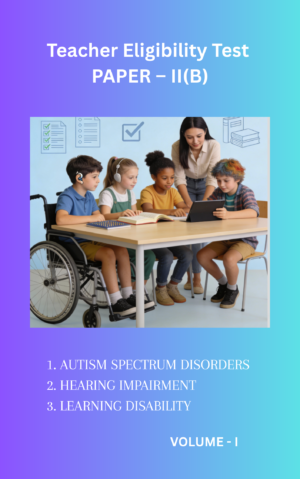
AP DSC Special Education (SGT/SA) – Category of Disability Specialisation & Pedagogy pdf (60 Marks Complete Guide)- PDF (E-Book)
₹49.00 Add to cart -
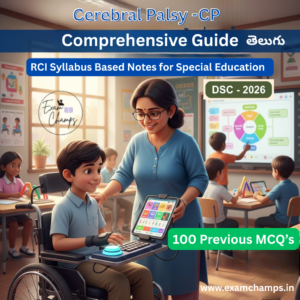
Cerebral Palsy (CP) Complete Study Material – RCI Syllabus Notes + 100 Practice Bits PDF- In Telugu
₹25.00 Add to cart -
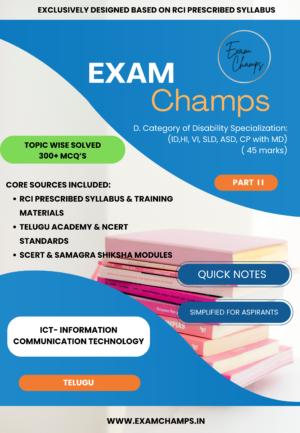
Comprehensive ICT Guide for Special Education (RCI Syllabus) – Topic-Wise Solved 300+ MCQs & Study Notes PDF
₹10.00 Add to cart -
January 2026 Monthly Current Affairs & PIB Analysis PDF – Telugu | ExamChamps Essentials
₹10.00 Add to cart -
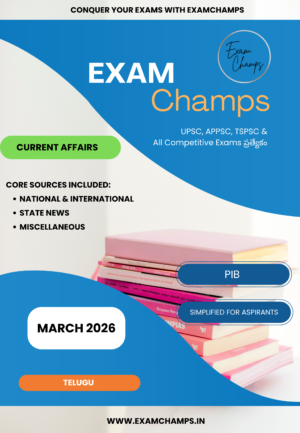
March 2026 Current Affairs Telugu Magazine – Comprehensive Guide for UPSC, APPSC & TSPSC
₹10.00 Add to cart -
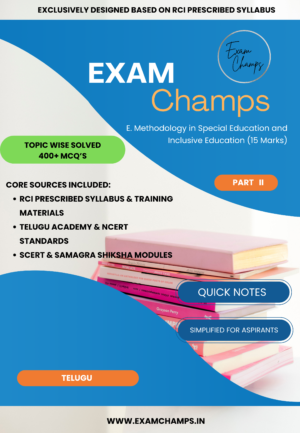
Methodology in Special Education and Inclusive Education (Specialized Study Guide) 15 Marks
₹30.00 Add to cart -
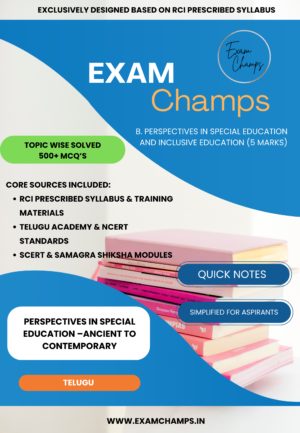
Perspectives in Special Education and Inclusive Education –Ancient to Contemporary – 500+ Solved MCQs & Quick Notes (RCI Based Syllabus)
₹10.00 Add to cart -
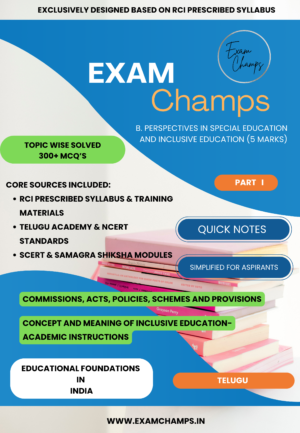
Perspectives in Special Education and Inclusive Education- EDUCATIONAL FOUNDATIONS IN INDIA | Topic Wise Solved 300+ MCQs PDF (RCI Syllabus Based)
₹20.00 Add to cart