Information and Communications Technology Practice English – Set 2
Assistive Software and ICT Resources for the Disabled
In today’s modern era, technology is not just a convenience; it is a great source of light in the lives of Children with Special Needs (CWSN). Computer vision, Artificial Intelligence (AI), and mobile applications are providing education, employment, and self-reliance to people with diverse abilities.
1. Computer Vision and Object Recognition
Computer vision is a technology that enables computers or smartphones to recognize objects and characters just like humans do.
- Object Detection: Identifying what object is in front of the camera (e.g., chair, table, person) is called object detection. This helps the blind understand the environment around them.
- Object Recognition Camera: Special camera apps (e.g., Google Lookout, Microsoft Seeing AI) identify objects and announce their names via voice. These also work brilliantly in identifying currency notes.
- Object Detection Radar: Some advanced devices use radar technology to detect obstacles. This is used to warn blind individuals of obstacles in their path well in advance while walking.
- Image Detection API: Developers use these APIs (Application Programming Interface) to create various assistive apps. These analyze the content of a photo and convert it into text.
2. Screen Reading Software
Screen readers are crucial for those without sight to use a computer or mobile. They convert the text on the screen into audio format.
On Computers:
- NVDA (Non-Visual Desktop Access): This is free and open-source software. It is like oxygen for blind students using the Windows operating system. It supports many Indian languages, including Telugu.
- JAWS (Job Access With Speech): This is a world-renowned paid software. It is highly suitable for professional tasks.
On Mobile Devices:
- TalkBack (Android): This comes built-in on Android phones. When enabled, wherever the user touches the phone screen, the name of that button or character is heard.
- VoiceOver (iOS): This is the screen reader found on Apple iPhones. It works very quickly and accurately.
3. Online Accessible Libraries
Digital libraries have become available for those who are unable to read printed books.
- Sugamya Pustakalaya: This is India’s largest online accessible library. Here, the blind and those with print disabilities can download books for free in DAISY, EPUB, and Braille formats.
- Bookshare: This is an international library where millions of books are available in various languages.
- e-Pathshala: Provides NCERT textbooks for students in audio and digital formats.
4. Mobility and Navigation Apps
GPS and AI-based apps are helping the disabled move from one place to another independently.
- Lazarillo: This is a GPS app specifically designed for the blind. It provides real-time voice updates about the street the user is walking on, nearby shops, and bus stop details.
- Google Maps (Accessibility features): Google Maps now shows wheelchair-accessible routes and buildings with ramp facilities.
- RightHear: This is an app that helps with Indoor Navigation inside buildings.
5. Recreation and Games
Technology is showing the way not just for education, but for entertainment as well.
- Audio Games: Games that can be played through sound alone without needing to see the screen (e.g., Blind Drive, Audio Archery) provide entertainment for the blind.
- Accessible Learning Apps: For those with quadriplegia (locomotor disability), there are quiz apps and games available that can be played with voice commands alone, without needing a keyboard.
6. Assistive Software Features for CWSN
- Sticky Keys: A facility for those who cannot press two keys simultaneously (like Ctrl+C) to enter the command by pressing them one by one.
- High Contrast & Magnifier: These are useful for those with Low Vision to change screen colors and enlarge text.
- Live Captions: These convert spoken words in videos into text for those with hearing impairment.
Conclusion
ICT is a powerful weapon for the disabled. While advanced technologies like Object Detection and Computer Vision help them overcome visual impairment, Screen Readers and Accessible Libraries are simplifying their education. By creating awareness about these softwares, we can build an Inclusive society.
ICT & Special Education – Practice Quiz (41-80)
-
AP DSC Special Education (SGT/SA) – Category of Disability Specialisation & Pedagogy pdf (60 Marks Complete Guide)- PDF (E-Book)
₹49.00 Add to cart -
Cerebral Palsy (CP) Complete Study Material – RCI Syllabus Notes + 100 Practice Bits PDF- In Telugu
₹25.00 Add to cart -
Comprehensive ICT Guide for Special Education (RCI Syllabus) – Topic-Wise Solved 300+ MCQs & Study Notes PDF
₹10.00 Add to cart -
January 2026 Monthly Current Affairs & PIB Analysis PDF – Telugu | ExamChamps Essentials
₹10.00 Add to cart -
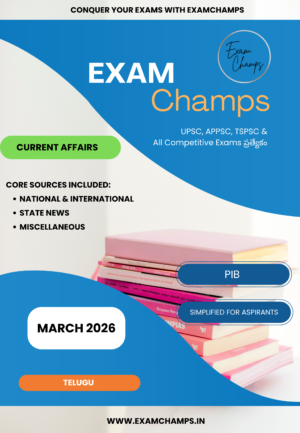
March 2026 Current Affairs Telugu Magazine – Comprehensive Guide for UPSC, APPSC & TSPSC
₹10.00 Add to cart -
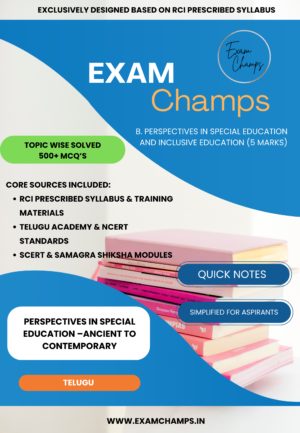
Perspectives in Special Education and Inclusive Education –Ancient to Contemporary – 500+ Solved MCQs & Quick Notes (RCI Based Syllabus)
₹10.00 Add to cart -
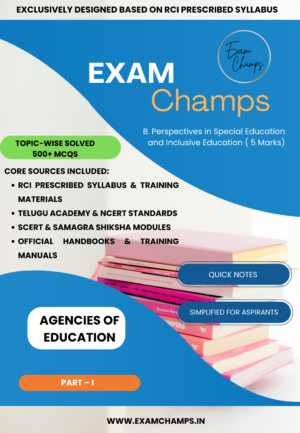
Perspectives in Special Education: AGENCIES OF EDUCATION & Types of Schools – Complete Study Guide (PDF)
₹20.00 Add to cart -
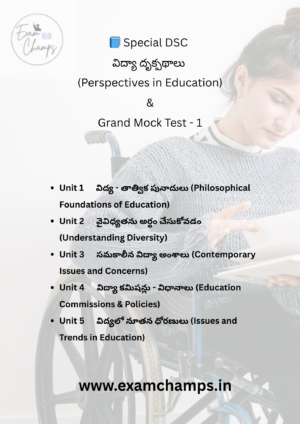
Special DSC: విద్యా దృక్పథాలు & సమ్మిళిత విద్య (Perspectives in Education) – సమగ్ర ఈ-బుక్ & Grand Mock Test
₹20.00 Add to cart